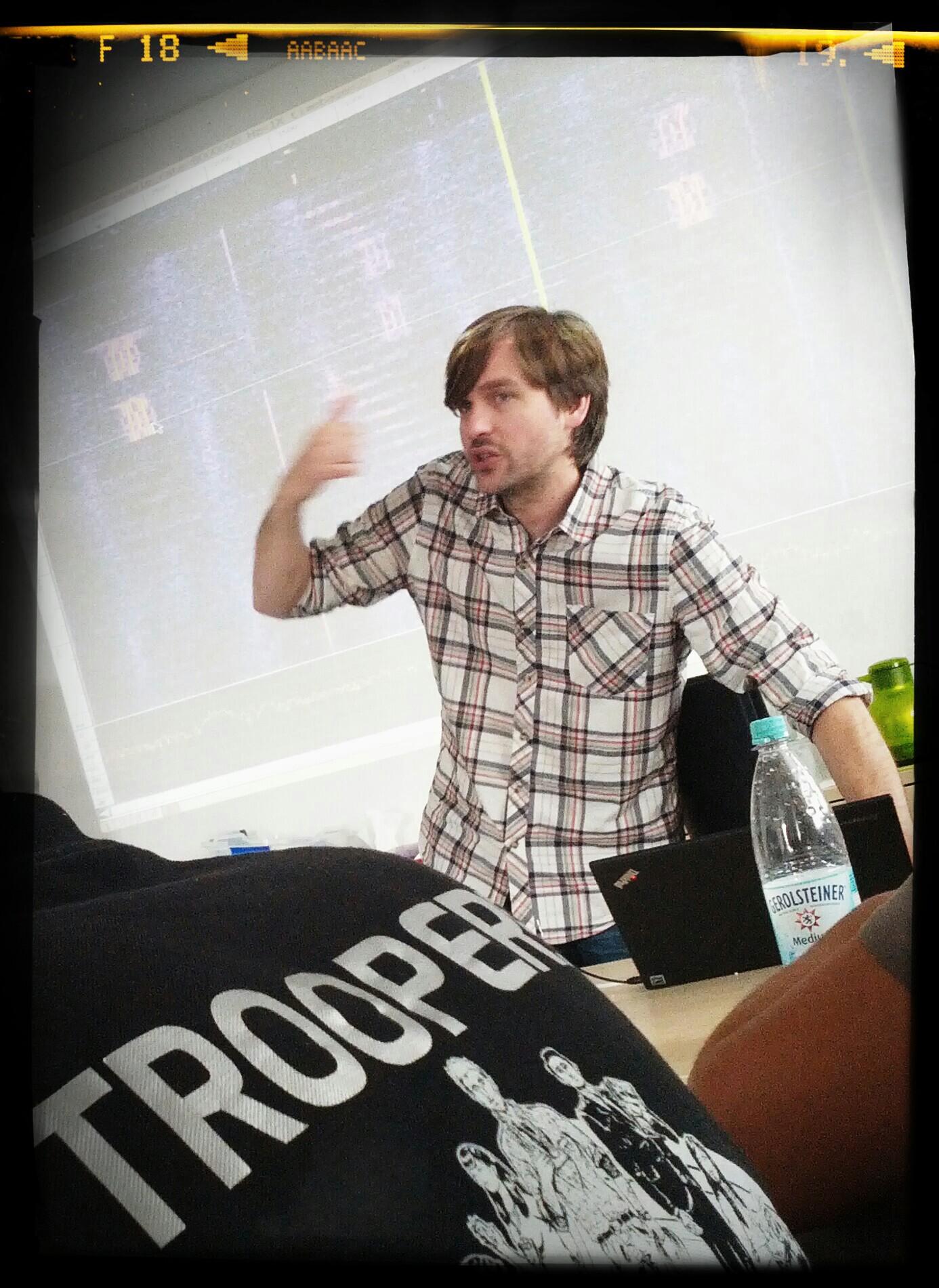
Some of you may already know (the ones who are following Enno on
Twitter) that Enno and I had our lab day
in preparation for the
IPv6 Security Summit
at Troopers. We had a brand new and shiny Cat4948E
as our lab device to do some testing of the current generation of Cisco’s IPv6
First Hop Security (FHS) mechanisms. The Catalyst was running the latest image
available (15.1(2)SG3).
In this small blog post, we will take a look at the configuration and behavior
of IPv6 Snooping and DHCPv6 Guard. So let’s start with IPv6 Snooping:
This is the second part of the – presumably – three-part series on IPv6 address
planning which I started
here.
Before an enterprise organization (strictly speaking “their internal service
provider acting as LIR”, as laid out in the first part) starts assigning
prefix[es]/lengths to their networks usually another discussion has to be
undertaken & solved: “go with one /32 [PI space] from one RIR or apply for
/32s from several RIRs”.
continuing our tradition from last year (see
here and
here), we
summarized more of our hardening recommendations for you. This guide is covering
Tomcat 7 and is supposed to provide a solid base of hardening measures. It
includes configuration examples and all necessary commands for each control,
specifically for the most recent branch of Tomcat as there were some significant
changes.
Download: ERNW_Checklist_Tomcat7_Hardening.pdf
In an upcoming series of blog posts I will discuss some principles &
considerations on developing an IPv6 address plan. In (hopefully) rather quick
succession there will be three posts:
the first on some general rules as for IPv6 address planning which we regard
instrumental in the process.
the second covering the “PI space from a single RIR or PI space from each
(relevant, as for $ORG) RIR?” debate.
the third on actual approaches to structuring/grouping each region’s /32 (or
/36) into subdivisions like sites, VRFs, facilities, use types, buildings,
whatever. I understand that this part is probably the one quite some readers
are most interested in; still for a reasonable line of thought the others have
to be covered in advance.
As you might have already spotted from the prefix lengths mentioned above, the
presumed setting (read: the main audience) of this piece is a sufficiently large
enterprise organization with sites/subsidiaries/plants all over the globe,
potentially mainly in the EMEA, APAC and Americas regions. So if you’re [with]
a service provider organization, a university or small[er] organization, some
of the recommendations I lay out might not apply to you. This focus (or
restriction thereof) is for the simple reason of ignorance. Given I haven’t been
involved in many address planning efforts in such organizations I don’t feel
qualified to advance opinions on their settings.
It’s been a long time… we just published an
ERNW Newsletter. Here’s
the abstract:
In order to protect sensitive data on corporate laptops, most companies are
using full disk encryption solutions. While native encryption products like
Microsoft Bitlocker, Apple FileVault and open source solutions like TrueCrypt
were already heavily scrutinized by security researchers, many popular
commercial third party products are to some point still black boxes.
In this paper, we discuss Check Point Full Disk Encryption (FDE) with active
“Windows Integrated Logon”. Checkpoint FDE is a software package that is part of
Check Point Endpoint Security and offers full disk encryption on Microsoft
Windows and Mac OS X systems. The “Windows Integrated Logon” feature reduces
total cost of ownership by disabling pre-boot authentication. Check Point
themselves warn about security risk associated with using this feature.
Such was the title of a talk I gave yesterday at
ACSAC 29. It was an updated and shortened version of a
similar talk I had given at the Troopers IPv6
Security Summit (btw:
this
is the preliminary agenda of the 2014 event).
with the rise of low-cost 3D-printers in the homes of thousands [1] of
enthusiastic tinkerers the word spreads about these magical machines which can
produce any mechanical, artsy, useful or useless parts you might come up with.
Standing in living rooms worldwide, they don’t seem like a big threat [2] to
anybody. But what happens if you connect them to the Internet?
Having just finished the second
“Advanced Attack Techniques against IPv6 Networks” workshop (some
of the course material can be found
here),
organised and hosted by ERNW and their partner
HM Training Solutions, I would like to
take this opportunity to release publicly one of my scripting tools, an IPv6
scanner. This tool is based on Scapy (so you have to install Scapy and its
prerequisites before using it). It should not be considered as a replacement or
a competitor of nmap against IPv6 or of the scanners incorporated into the great
IPv6 toolkits already released by Marc Heuse
and Fernando Gont,
but, instead, as a tool released mainly for educational purposes. Specifically,
this scanner, apart from supporting some of the most well known port scanning
techniques, from ping scanning to SYN, RESET, ACK, XMAS, etc., etc., TCP or UDP
scanning, it also combines, by using the suitable switches, some IDS/IPS evasion
techniques. As I have found out up to now, at least two of them, if used
“properly”, can be effective against a very popular IDS/IPS software used by
many “Fortune 100” companies out there. This means that you can launch actually
any type of the supported network-scanning techniques while flying under the
radar of this specific IDS software (and perhaps some other too, who knows…).
But first of all, as always please check the corresponding README file.
I recently had a discussion with some practitioners about requirements to IP
Address Management (IPAM) solutions which are specific for IPv6 networks. We
came up with the following:
Mandatory: Track all dynamic IPv6 assignments (SLAAC + PrivExtensions, DHCP
etc.), by polling neighbor caches from network devices. Support SNMPv3 for this
task.
Optional (read: nice-to-have): support other methods than SNMP to gather this
info (e.g. SSH-ing into devices and execution of appropriate “show” commands).
today we welcomed Michael Ossmann at the
ERNW headquarter for an exclusive workshop on his
HackRF
gadget. Everybody was quite excited to get hands-on with this shiny piece of
hardware, which is currently
crowd-funded on Kickstarter.
For everybody who’s not familiar
with Software Defined Radio (SDR):
Let’s regard it as the ultimate tool when working with radio signals.
Michael Ossmann in the house.
Let’s quote Michael’s campaign website:
Transmit or receive any radio signal from 30 MHz to 6000 MHz on USB power
with HackRF. HackRF is an open source hardware project to build a Software
Defined Radio (SDR) peripheral.