In the course of our virtualization research, we came across a certain technical issue we couldn’t find an easy solution on knowledge bases and the like. However, as we found the question several times on the web, the following post gives just a short hint on a technical detail.
If you want to connect two virtual machines in VMware Fusion using a serial port (e.g. for debugging purposes), Fusion doesn’t provide you an GUI option to configure that. However, if you just add the following config to the debugger system’s VMX file:
serial0.present = “TRUE”
serial0.fileType = “pipe”
serial0.fileName = “/path/to/pipe”
serial0.yieldOnMsrRead = “True”
serial0.pipe.endPoint = “client”
and the following lines to the debuggee system’s VMX file:
serial0.present = “TRUE”
serial0.fileType = “pipe”
serial0.fileName = “/path/to/pipe”
serial0.yieldOnMsrRead = “True”
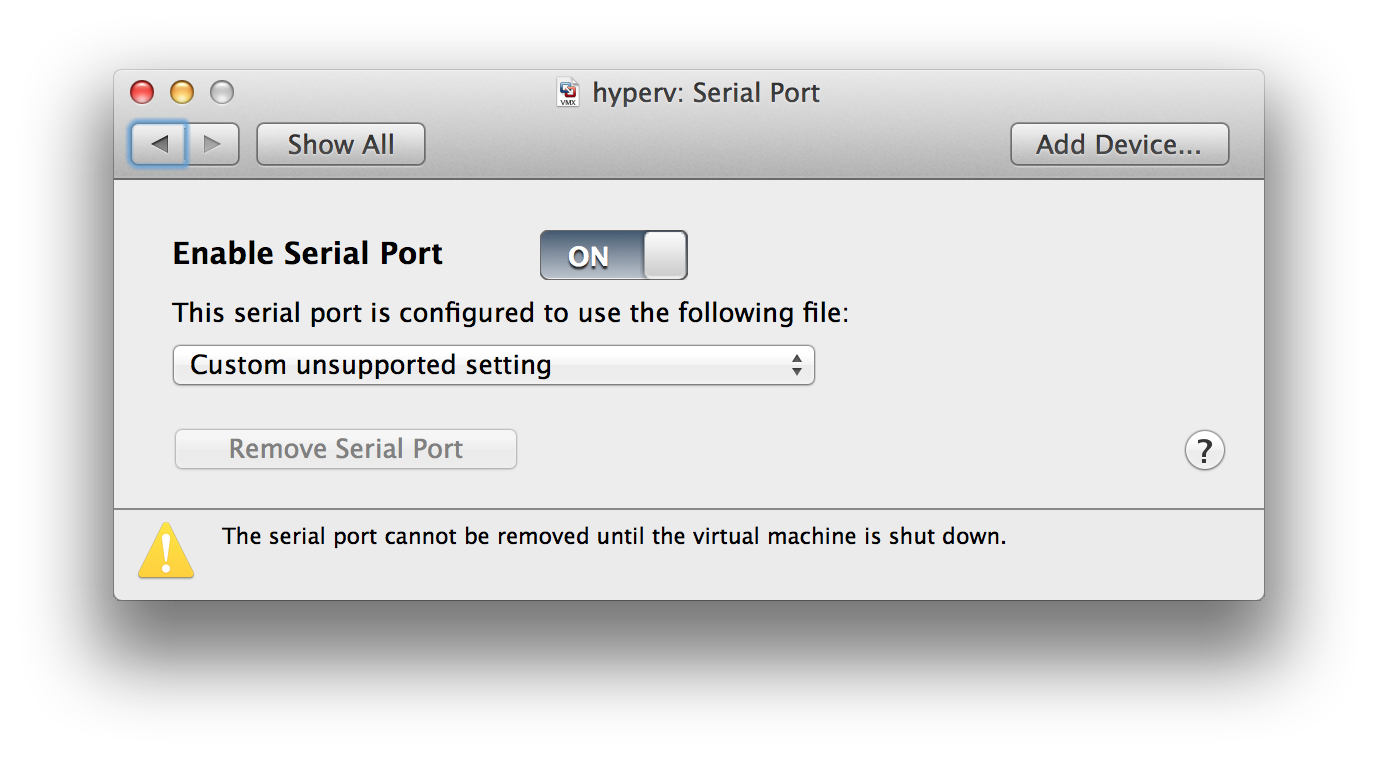
you can use the serial port as in the Linux or Windows VMware Workstation — even
though the GUI will show you an “unsupported custom setting”:
HTH & have a good one,
Matthias